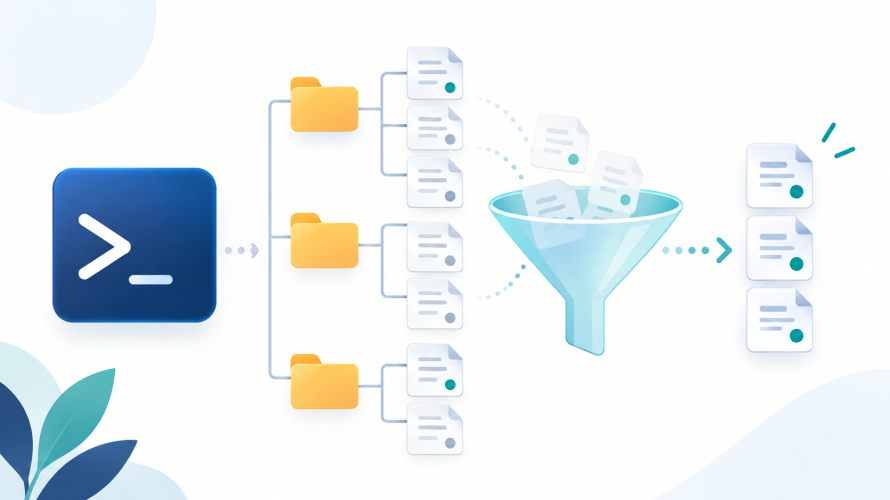
Filter a PowerShell file listing with Get-ChildItem
- Published: 2026.10.17
- Updated: 2026.10.16
- Windows
List files by extension, include subfolders or hidden files, and choose file objects or relative names with Get-ChildItem.
Selected articles on programming and system administration.
List files by extension, include subfolders or hidden files, and choose file objects or relative names with Get-ChildItem.

Use git restore --staged to remove changes from the next commit while preserving the working file. Verify both diffs and understand new-file and HEAD cases.
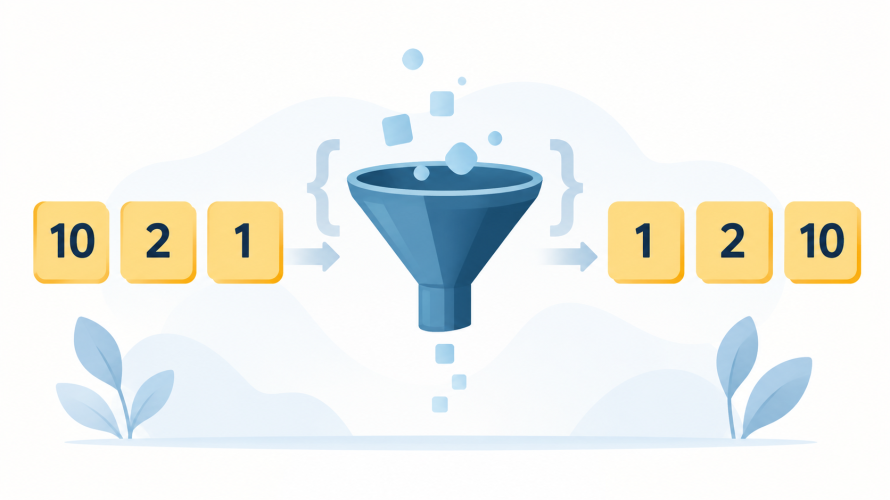
Fix numeric ordering with sort comparators, sort descending, preserve the input array and order objects by numeric properties.

Check a WSL web app from Linux through TCP and HTTP on Windows, using a loopback-only test server to narrow down localhost connection failures.

Build a small image with wslc, mount a dedicated Windows folder and keep the output after a temporary container exits.

Learn why identical-looking Unicode strings compare differently, how NFC and NFKC change them, and how to preserve names while creating search keys.

Trace supplementary Unicode characters through input, transport, storage and fonts, with UTF-16 examples and MySQL utf8mb4 checks.

Resolve CharacterStringTooLong by keeping quoted DKIM chunks in one Route 53 TXT value, rather than creating separate values on new lines.

Update an existing Git clone to a moved repository, check fetch and push URLs, and verify access without recloning.

Check SSH or HTTPS TCP connectivity on Windows and distinguish network reachability from DNS, authentication and certificate failures.