- Published: 2026.10.13
- Updated: 2026.10.16
- Windows
Compare line arrays and whole-file strings with Get-Content -Raw, including newlines, empty files, LiteralPath, encoding, and first or last lines.
- Published: 2026.10.14
- Updated: 2026.10.16
- Windows
Read a JSON file with PowerShell ConvertFrom-Json, retrieve properties and array items, and handle parsing errors. Includes Windows PowerShell 5.1 and PowerShell 7 differences.
Export a WSL distribution to tar, restore it under a different name, and check its files and Linux user while keeping the original Ubuntu environment.
- Published: 2026.10.16
- Updated: 2026.10.16
- Windows
Find matching log lines and line numbers with Select-String. Use literal text, regular expressions, case sensitivity, Quiet and AllMatches.
- Published: 2026.10.16
- Updated: 2026.10.16
- Windows
Combine folder and file names with Join-Path. Handle separators and nested paths, and understand Test-Path, Resolve and version differences.
- Published: 2026.10.17
- Updated: 2026.10.16
- Windows
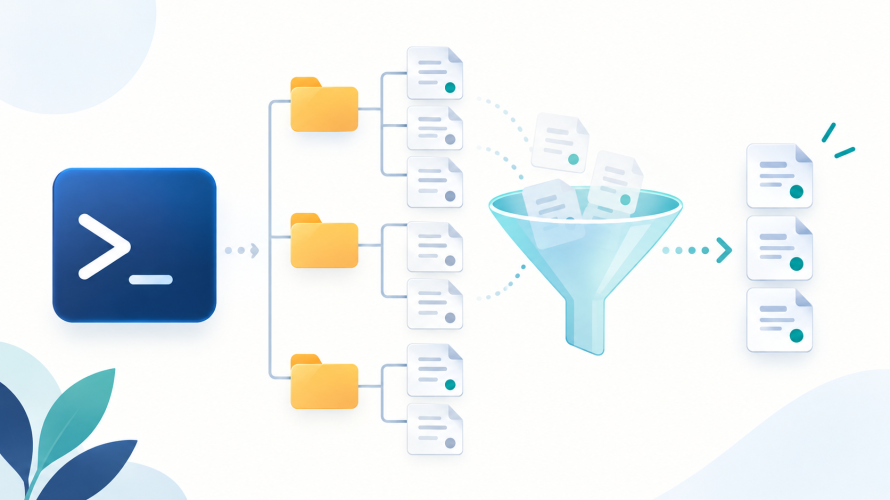
List files by extension, include subfolders or hidden files, and choose file objects or relative names with Get-ChildItem.
Use git restore --staged to remove changes from the next commit while preserving the working file. Verify both diffs and understand new-file and HEAD cases.
Fix numeric ordering with sort comparators, sort descending, preserve the input array and order objects by numeric properties.
Check a WSL web app from Linux through TCP and HTTP on Windows, using a loopback-only test server to narrow down localhost connection failures.
Build a small image with wslc, mount a dedicated Windows folder and keep the output after a temporary container exits.